Month
Try it out
$49/month
Free in beta
- Unlimited channels
- Bulk upload
- Proxy and anti-detect
- Uniqueization
- Updates
v2.0 Update
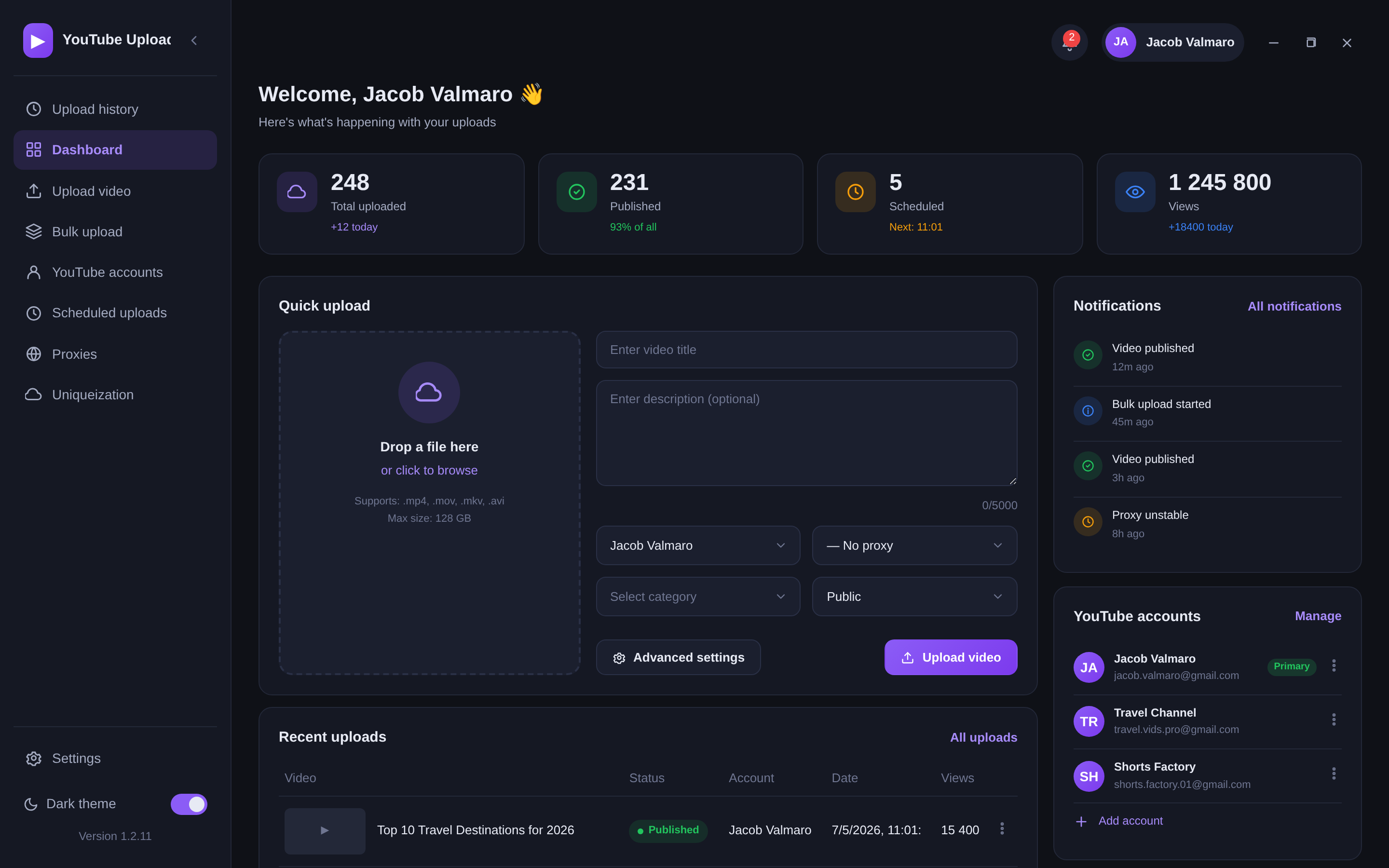
A tool to automate work with YouTube channels.
Video uniqueization, proxy support, channel management
from a single convenient app.
A powerful toolkit for professional content work in one place
Four simple steps from install to your first bulk upload
Add YouTube channels and bind a proxy to each one.
Add clips, fill in titles, descriptions and tags.
Pick a preset — videos and thumbnails become unique.
Hit start — the app uploads everything across channels.
Real results you can see live
Publish to any number of channels.
Hundreds of clips in a single queue.
Set it up once — everything runs automatically.
Safe work with a channel farm.
▶ Demo · 90 sec
Professional tools to scale your YouTube business
Right now — free
Prices below are paused while we run a closed beta test. Join now and use every plan's features for free — just leave a request.
Try it out
$49/month
Free in beta
Best value
Once and forever
$199one-time payment
Free in beta
Great deal
A solid start
$99/3 months
≈ $33 per month
Free in beta
Leave a contact — we'll send you a key and setup instructions. We reply within 10–15 minutes.
We'll get in touch via the contact you provided.
Online from 10:00 to 22:00 (MSK)
Everything you need to know before buying
No. The software works through your proxies and anti-detect, each channel is handled in isolation, so the risk of blocks is minimal.
No limits. Connect any number of channels — there is no cap on any plan.
Proxies are needed for safe work. You use your own proxies and bind them to each channel right in the app.
The built-in uniqueizer processes both the video and the thumbnail, making every upload unique. The uniqueization quality is high.
The program runs on Windows.
Payment is accepted by any convenient method. Right after payment you get the software and a license key for activation.
Updates come out constantly and are completely free for all license owners.
Yes, refunds are possible.